How to set up and personalise Bixby’s Wake-up feature
Important Note: The information on this page is for Hong Kong products only. Models, sequences or settings will vary depending on location and/or where the product had been purchased. To be redirected to your local support page please click here.
Bixby’s voice wake-up feature ensures your virtual assistant is always ready to assist with a simple phrase. This function allows you to activate Bixby hands-free, making it easier to manage tasks and access information. Follow the guide below to enable this feature and start using Bixby more efficiently.
Set up Bixby’s Wake-up feature
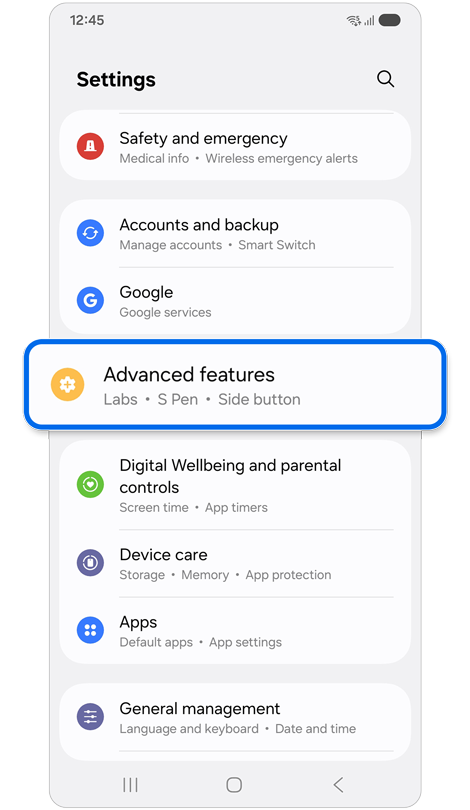
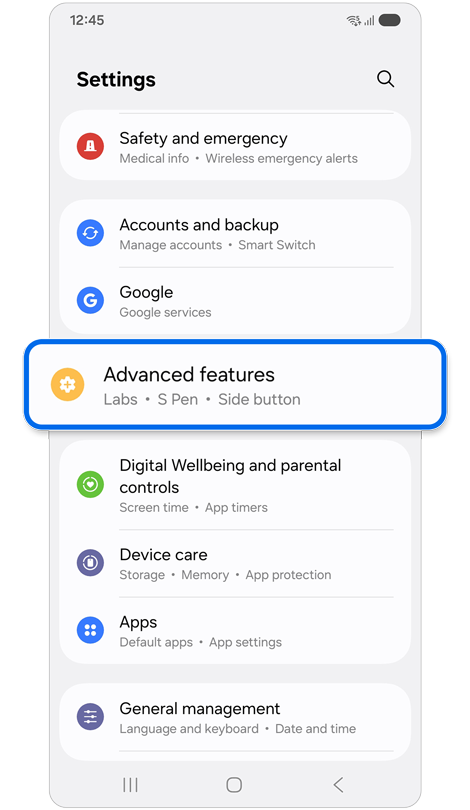
Step 1. Open Settings > Tap Advanced features.
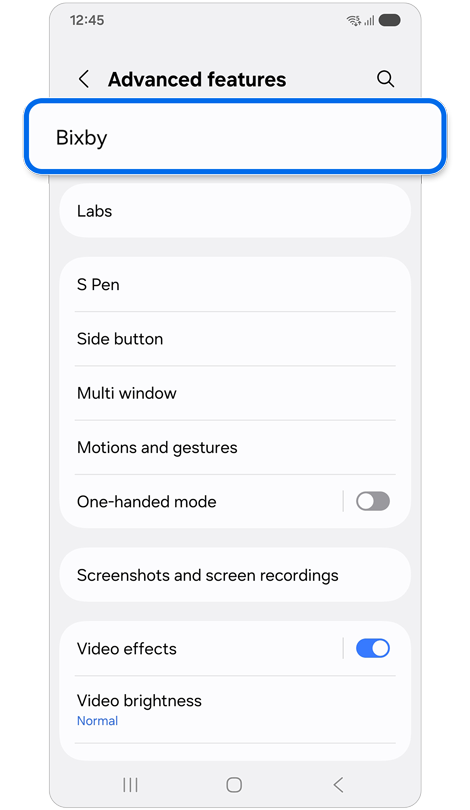
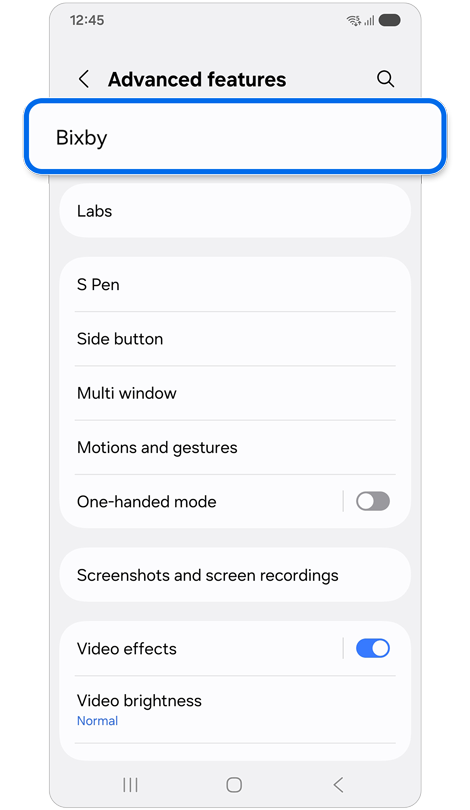
Step 2. Tap Bixby.
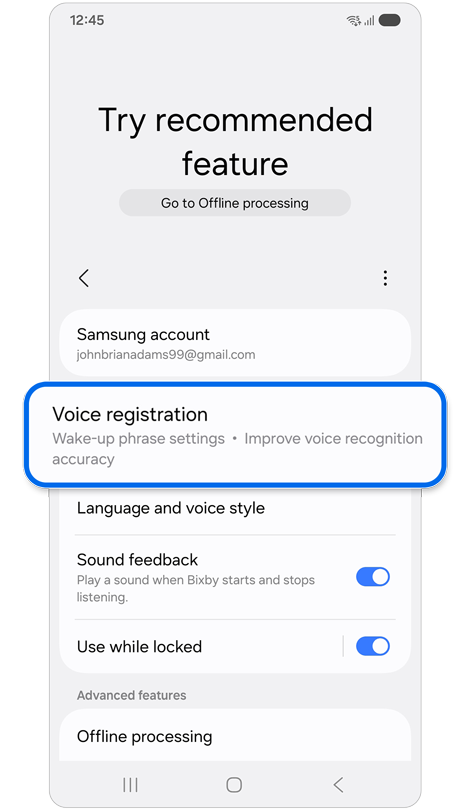
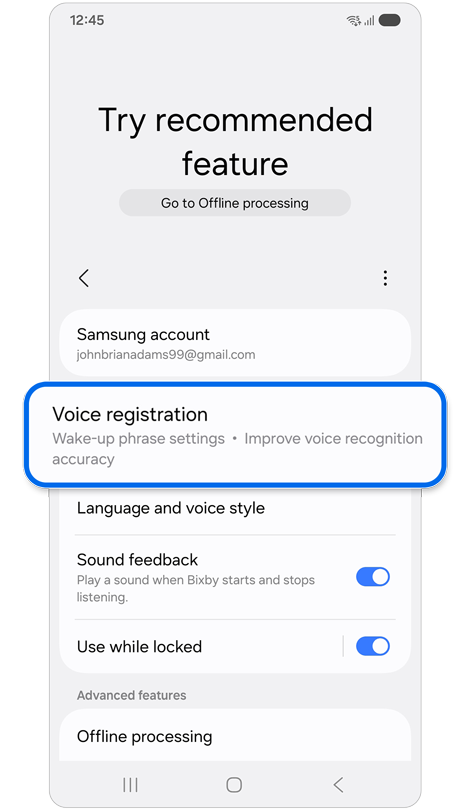
Step 3. Tap Voice registration.
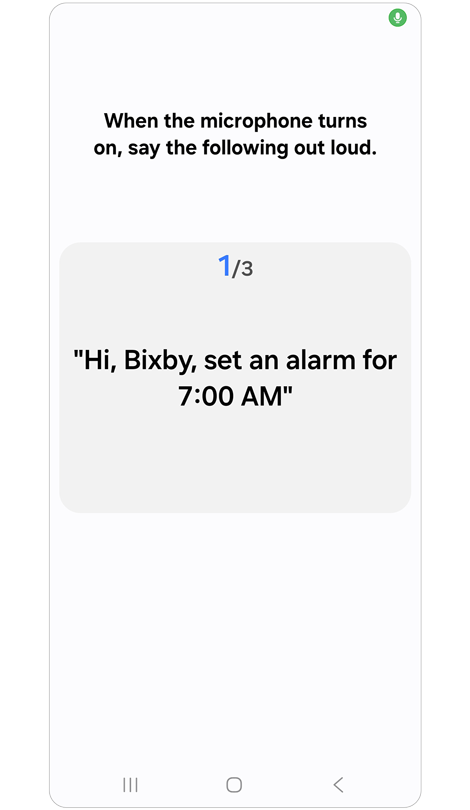
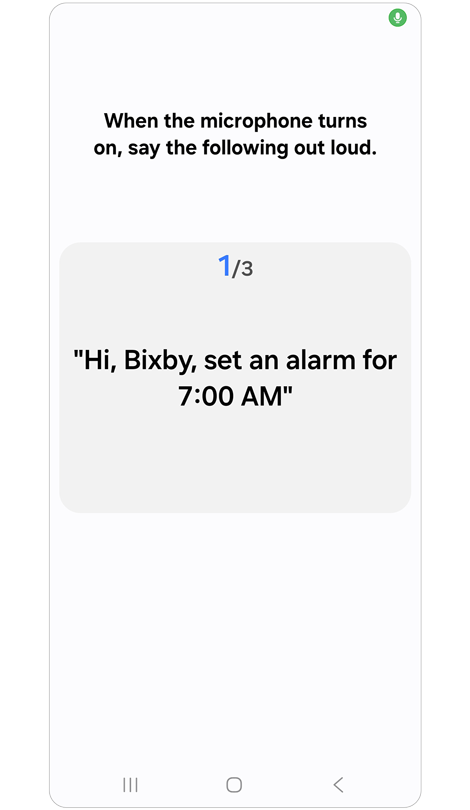
Step 4. Record your voice to initiate the Voice wake-up feature.
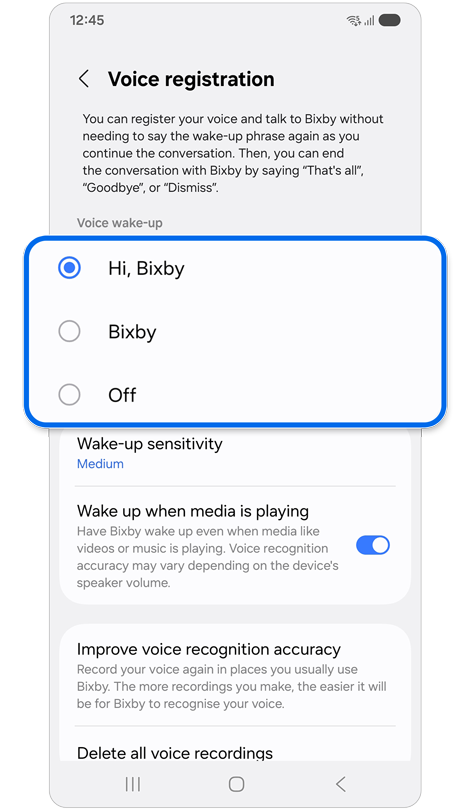
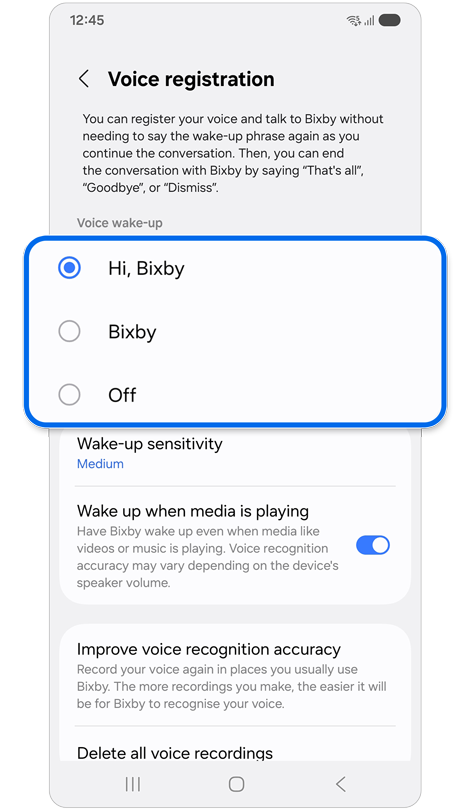
Step 5. After setup, choose the wake-up phrase you would like to use.
* Some screens will appear in English if your language is not supported by Bixby. Languages supported by Bixby in future updates will be displayed in their respective languages.
Notes:
- The extent of Bixby’s features and content may vary depending on the residing country, language, device model and OS version.
- The user interface may change depending on the device model.
If the above information does not match what your product is showing, you may check the User Manual for your product. If you are unable to solve the problem, please contact us for further assistance.
Thank you for your feedback!
Please answer all questions.
RC01_Static Content : This text is only displayed on the editor page